
Building automations is easy. Maintaining them should be too!
The place to stay ahead of your automations and oversee the bigger picture. Better understand your workflows and fix bugs before they get expensive!

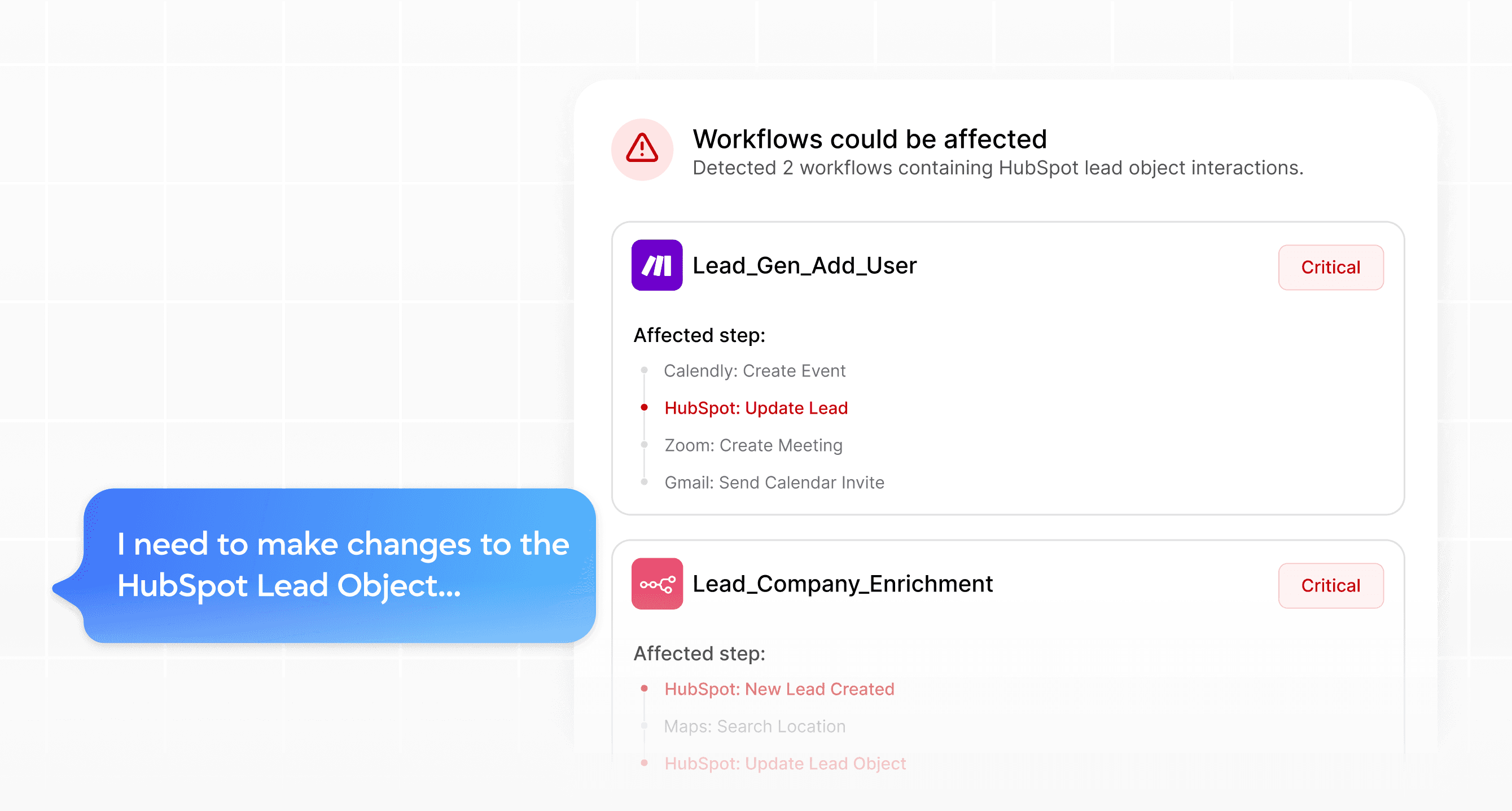
Spot conflicts before making changes
Before editing a database or workflow, simply ask if it could break any existing workflow
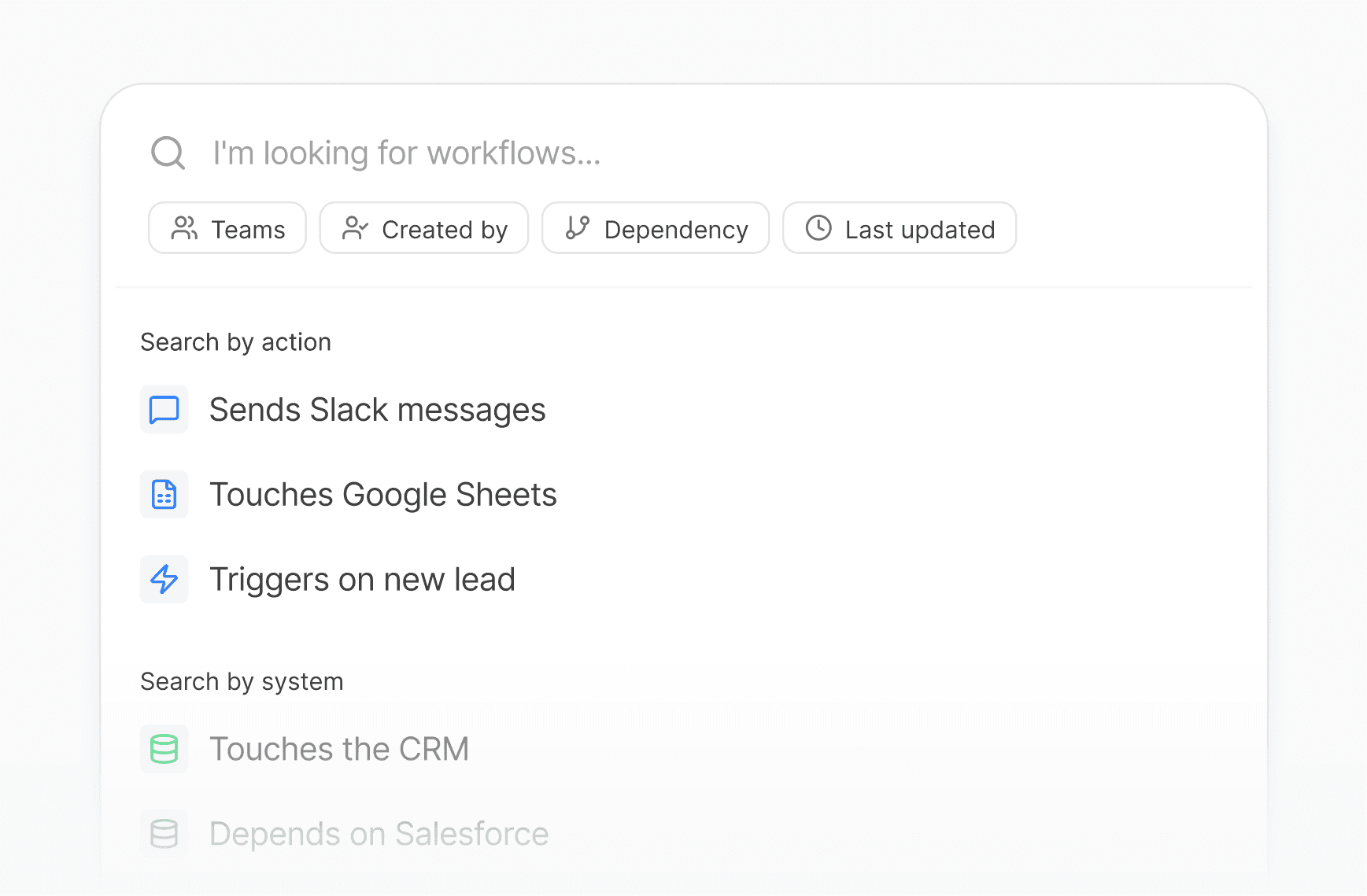
See beyond single workflows
Understand every connection across tools, teams, and impact.
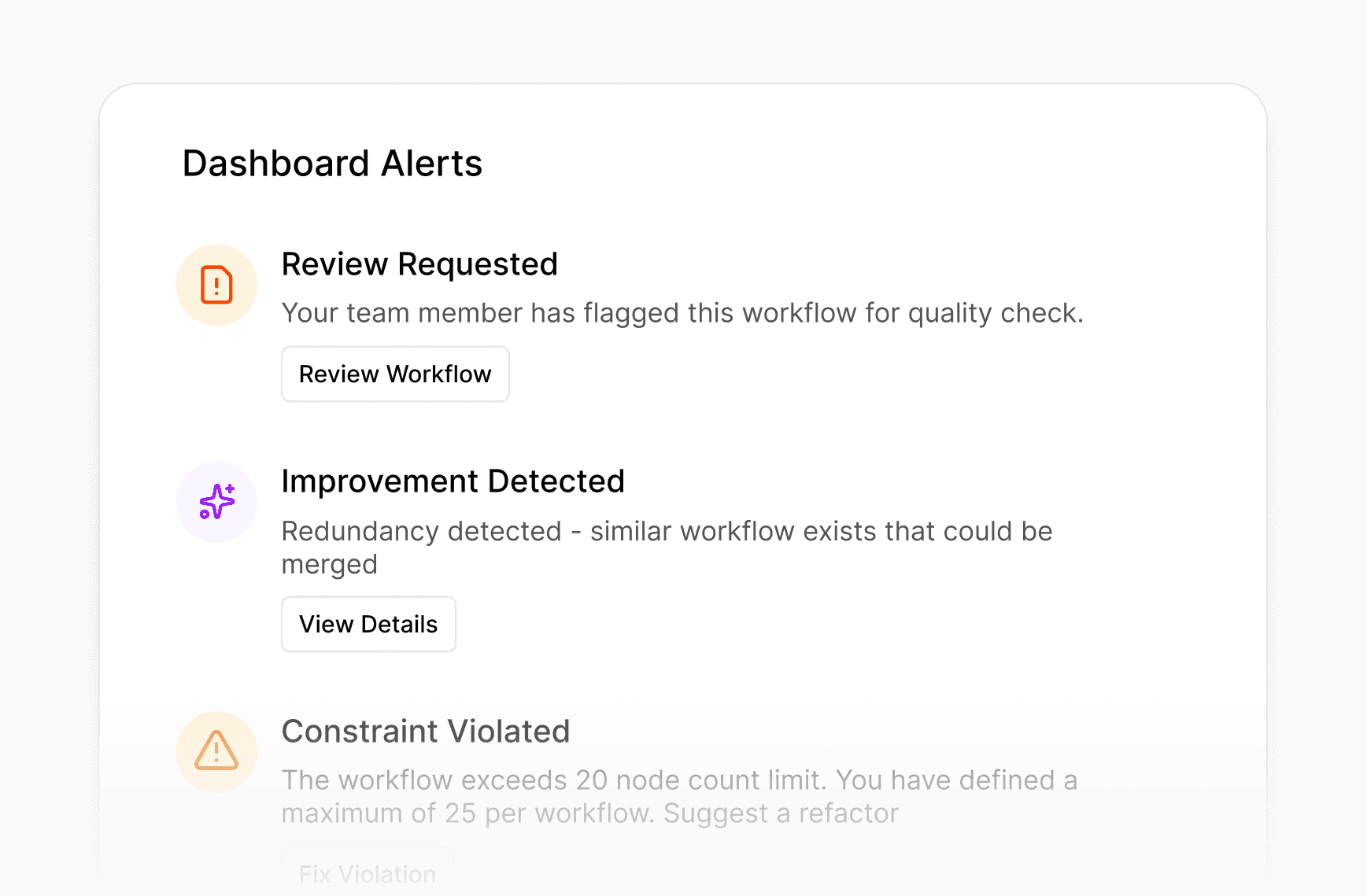
Insights Advisor
Stay ahead of your processes and learn how you can improve them
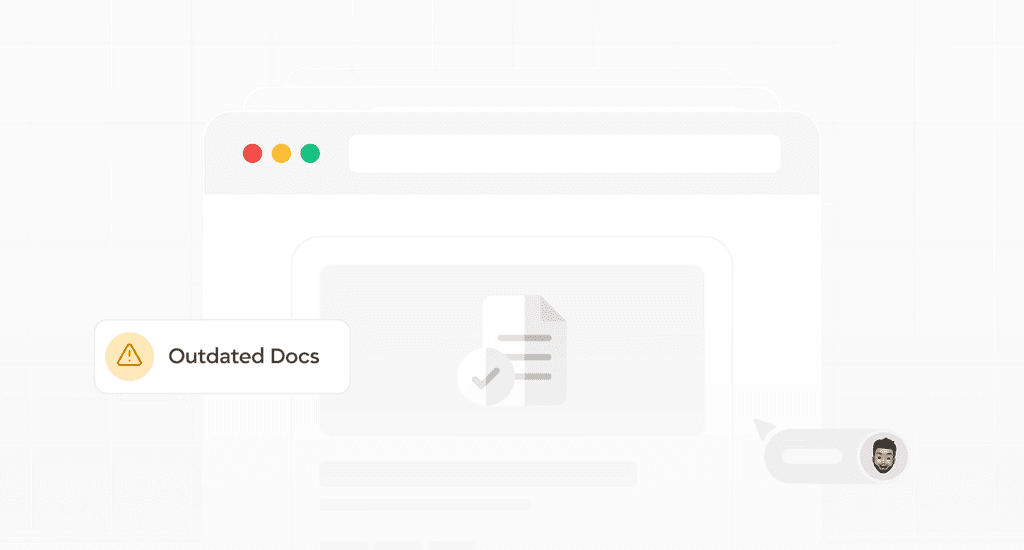
Smart Documentation
Never let workflow updates get ahead of documentation again.
How it Works
Setup your Overview
Connect your automation-platforms to start seeing and understanding the big picture.
Import workflows
Simply add your workflows to the dashboard and we take it from there
Chat with your processes
Ask questions about your process landscape
Understand & Improve
Spot risks, duplicates, and side effects to keep processes healthy together.
Use Cases
Just Smarter Automation Management
Stay in control, prevent breakages, and keep every workflow transparent.
Workflow Overview
Know exactly what’s running, where, and why. No more guessing!
Dependency Explorer
Fix issues faster with full cross-platform workflow context.
What-if Analysis
Detect all workflows and fields affected by your upcoming change.
Integrations
Platform Integrations


Help & Support
Frequently asked questions?
Helping you see how Trace brings transparency, interpretability, and oversight to your automations.
Do I need technical skills to set this up?
No, importing your workflows from your automation platforms usually works by providing an API key. Some platforms only allow exporting via JSON.
Which platforms does Trace support?
How secure is my data?
Will Trace impact the performance of my existing automations?
Can Trace edit my automations directly?
Building automations is easy. Maintaining them should be too!
The place to stay ahead of your automations and oversee the bigger picture. Better understand your workflows and fix bugs before they get expensive!
Spot conflicts before making changes
Before editing a database or workflow, simply ask if it could break any existing workflow
See beyond single workflows
Understand every connection across tools, teams, and impact.
Insights Advisor
Stay ahead of your processes and learn how you can improve them
How it Works
Setup your Overview
Connect your automation-platforms to start seeing and understanding the big picture.
Import workflows
Simply add your workflows to the dashboard and we take it from there
Chat with your processes
Ask questions about your process landscape
Understand & Improve
Spot risks, duplicates, and side effects to keep processes healthy together.
Use Cases
Just Smarter Automation Management
Stay in control, prevent breakages, and keep every workflow transparent.
Workflow Overview
Know exactly what’s running, where, and why. No more guessing!
Dependency Explorer
Fix issues faster with full cross-platform workflow context.
What-if Analysis
Detect all workflows and fields affected by your upcoming change.
Integrations
Platform Integrations
Help & Support
Frequently asked questions?
Helping you see how Trace brings transparency, interpretability, and oversight to your automations.
Do I need technical skills to set this up?
No, importing your workflows from your automation platforms usually works by providing an API key. Some platforms only allow exporting via JSON.
Which platforms does Trace support?
How secure is my data?
Will Trace impact the performance of my existing automations?
Can Trace edit my automations directly?
Building automations is easy. Maintaining them should be too!
Building automations is easy. Maintaining them should be too!
The place to stay ahead of your automations and oversee the bigger picture. Better understand your workflows and fix bugs before they get expensive!
The place to stay ahead of your automations and oversee the bigger picture. Better understand your workflows and fix bugs before they get expensive!
Spot conflicts before making changes
Before editing a database or workflow, simply ask if it could break any existing workflow
See beyond single workflows
Understand every connection across tools, teams, and impact.
Insights Advisor
Stay ahead of your processes and learn how you can improve them
Smart Documentation
Never let workflow updates get ahead of documentation again.
Spot conflicts before making changes
Before editing a database or workflow, simply ask if it could break any existing workflow
See beyond single workflows
Understand every connection across tools, teams, and impact.
Insights Advisor
Stay ahead of your processes and learn how you can improve them
Smart Documentation
Never let workflow updates get ahead of documentation again.
How it Works
Setup your Overview
Connect your automation-platforms to start seeing and understanding the big picture.
Import workflows
Simply add your workflows to the dashboard and we take it from there
Chat with your processes
Ask questions about your process landscape
Understand & Improve
Spot risks, duplicates, and side effects to keep processes healthy together.
Use Cases
Just Smarter Automation Management
Stay in control, prevent breakages, and keep every workflow transparent.
Workflow Overview
Know exactly what’s running, where, and why. No more guessing!
Dependency Explorer
Fix issues faster with full cross-platform workflow context.
What-if Analysis
Detect all workflows and fields affected by your upcoming change.
Integrations
Platform Integrations
Help & Support
Frequently asked questions?
Helping you see how Trace brings transparency, interpretability, and oversight to your automations.
Do I need technical skills to set this up?
No, importing your workflows from your automation platforms usually works by providing an API key. Some platforms only allow exporting via JSON.
Which platforms does Trace support?
How secure is my data?
Will Trace impact the performance of my existing automations?
Can Trace edit my automations directly?
Help & Support
Frequently asked questions?
Helping you see how Trace brings transparency, interpretability, and oversight to your automations.
Do I need technical skills to set this up?
No, importing your workflows from your automation platforms usually works by providing an API key. Some platforms only allow exporting via JSON.
Which platforms does Trace support?
How secure is my data?
Will Trace impact the performance of my existing automations?
Can Trace edit my automations directly?

Truly understand your workflows and processes
Track workflows, updates, and dependencies without manual work or guesswork.
Truly understand your workflows and processes
Track workflows, updates, and dependencies without manual work or guesswork.
Truly understand your workflows and processes
Track workflows, updates, and dependencies without manual work or guesswork.